
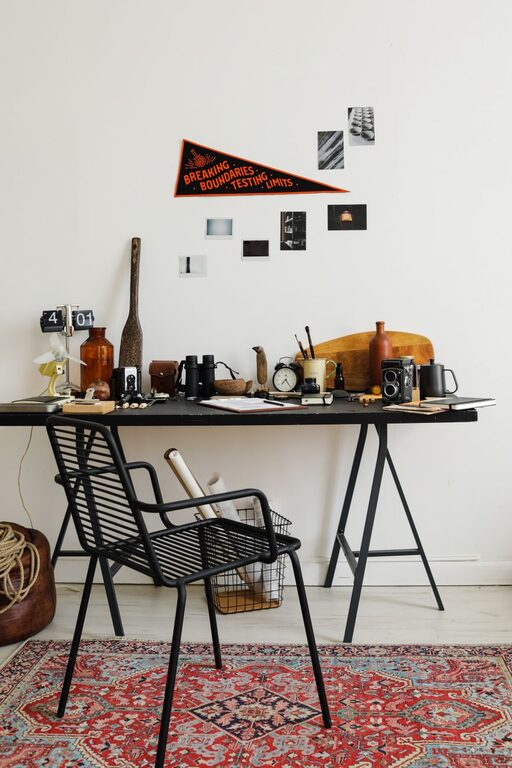
Creating a comfortable, organized workspace can make a big difference in your productivity and mood. However, many of us don’t have time for lengthy cleanups or elaborate redesigns. The good news? You can refresh your workspace in just ten minutes! Whether you work from home or an office, a quick revitalization can help you feel more focused and motivated.
In this post, we’ll share easy, practical steps to refresh your workspace fast — no stress, no fuss.
Why Refreshing Your Workspace Matters
Over time, clutter and disorganization build up without us realizing it. Papers pile up, cables get tangled, and your desk surface becomes a sea of miscellaneous items. This clutter not only takes up physical space but can also impact your mental clarity. A fresh, tidy space helps:
– Reduce distractions
– Boost creativity
– Improve focus and efficiency
– Create a positive, inviting environment
Taking just ten minutes for a workspace refresh can have a surprisingly big impact on your workday.
Quick Workspace Refresh Checklist
1. Clear the Desktop Surface
Start by removing everything from your desk surface. Place items into categories like “Keep,” “Relocate,” and “Trash.” This helps you see how much space you actually have and identify unnecessary clutter.
– Toss out scraps of paper or empty containers
– Put unrelated items back to their proper places
– Only keep essentials like your computer, notepad, and pen holder
2. Wipe Down Surfaces
Use a microfiber cloth or disinfecting wipe to quickly clean your desk, keyboard, mouse, and monitor stand. This removes dust, fingerprint smudges, and germs.
– Don’t forget drawer handles and light switches nearby
– A clean surface feels refreshing and inviting
3. Organize Cables and Chargers
Untangle and arrange your cables using simple tools like twist ties, Velcro straps, or cable clips if you have them handy. Keeping cords neat reduces eye strain and prevents accidental unplugging.
– Bundle excess cable length under the desk or in drawers
– Label chargers and cords if possible for easy identification
4. Rearrange your Desk Setup
Spend a minute or two adjusting your chair and monitor position. Align your screen at eye level and set your chair height so your feet rest flat on the floor.
– Proper ergonomics reduce fatigue and physical strain during the day
– Reposition items so frequently used things are within easy reach
5. Add a Touch of Greenery or Personal Touch
If you have a small plant, photo, or decorative item nearby, place it back neatly to add personality and warmth.
– Plants improve air quality and can boost mood
– Don’t overcrowd—keep it simple
6. Take a Deep Breath and Reset
Finally, take a moment to sit back and enjoy your refreshed space. Take a few deep breaths to clear your mind and prepare for your next task.
Additional Tips for Maintaining a Fresh Workspace
– Daily 5-Minute Tidy: Spend the last five minutes of your workday putting things back in order to avoid buildup.
– Digital Declutter: Regularly organize your desktop files and emails to complement your physical space.
– Use Storage Solutions: Invest in drawer organizers, trays, or shelves to keep items neatly stored but accessible.
– Limit Personal Items: While a few personal touches are great, too many can create visual clutter and distraction.
– Routine Refresh: Schedule a quick workspace refresh weekly or biweekly to keep clutter at bay.
Conclusion
Refreshing your workspace doesn’t have to be a time-consuming chore. With these simple steps, you can revitalize your desk and surrounding area in just ten minutes, setting the stage for a more productive and enjoyable workday. Make quick workspace refreshes a habit and notice how a clean and organized environment lifts your focus and mood!
Give it a try today — your workspace and your mind will thank you!